AI画像から線画へ
AIを使用して写真を鮮明な白黒線画に変換。明確な輪郭を抽出し、構造を保持したまま高解像度で出力できます。
1. 画像をアップロード
画像をアップロード
複数の画像をドラッグ&ドロップするか、クリックして選択してください
Maximum upload 5 images
生成結果
AIで生成された画像はここに表示されます
カスタムプロンプトを使った高度なコントロールが必要ですか?
AI画像結合ツールをお試しください — 1枚または2枚の画像アップロードに対応しています。
Photo to line drawing
Image to Line Art Features
これらのヒントに従うことで、Image to Line Artはクリーンでスケーラブルなアウトラインを生成し、幅広いビジュアルワークフローに適しています。
Start with any clear image
画像から線画への変換方法
このツールはアップロードした単一の画像をクリーンな白黒線画に変換します。強いエッジと輪郭を抽出し、構図と主要なディテールを保持しながら、陰影や色を除去します。イラスト、アイコン、ストーリーーボード、ステッカー、レーザー/プロッターのワークフローに最適です。
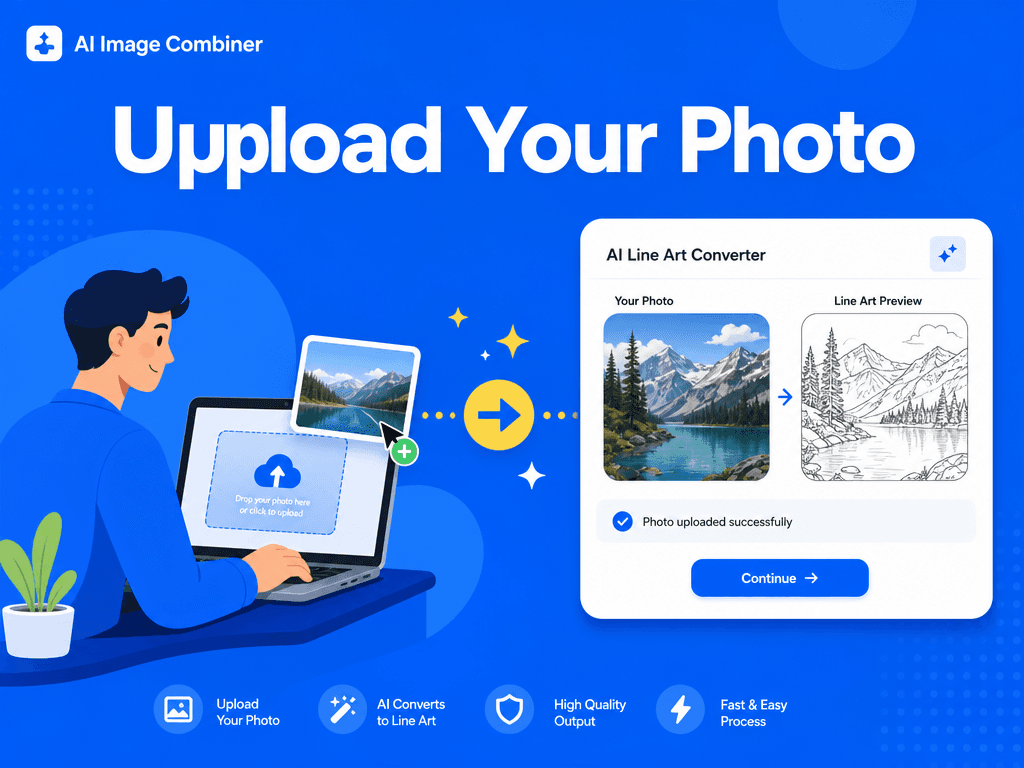
AI outline extraction
Why Use an AI Line Art Generator
Manual tracing takes time, especially when the source image has complex shapes, hair, clothing folds, product details, or background elements. An AI line art generator speeds up the first draft by identifying strong visual structure and removing color distractions.
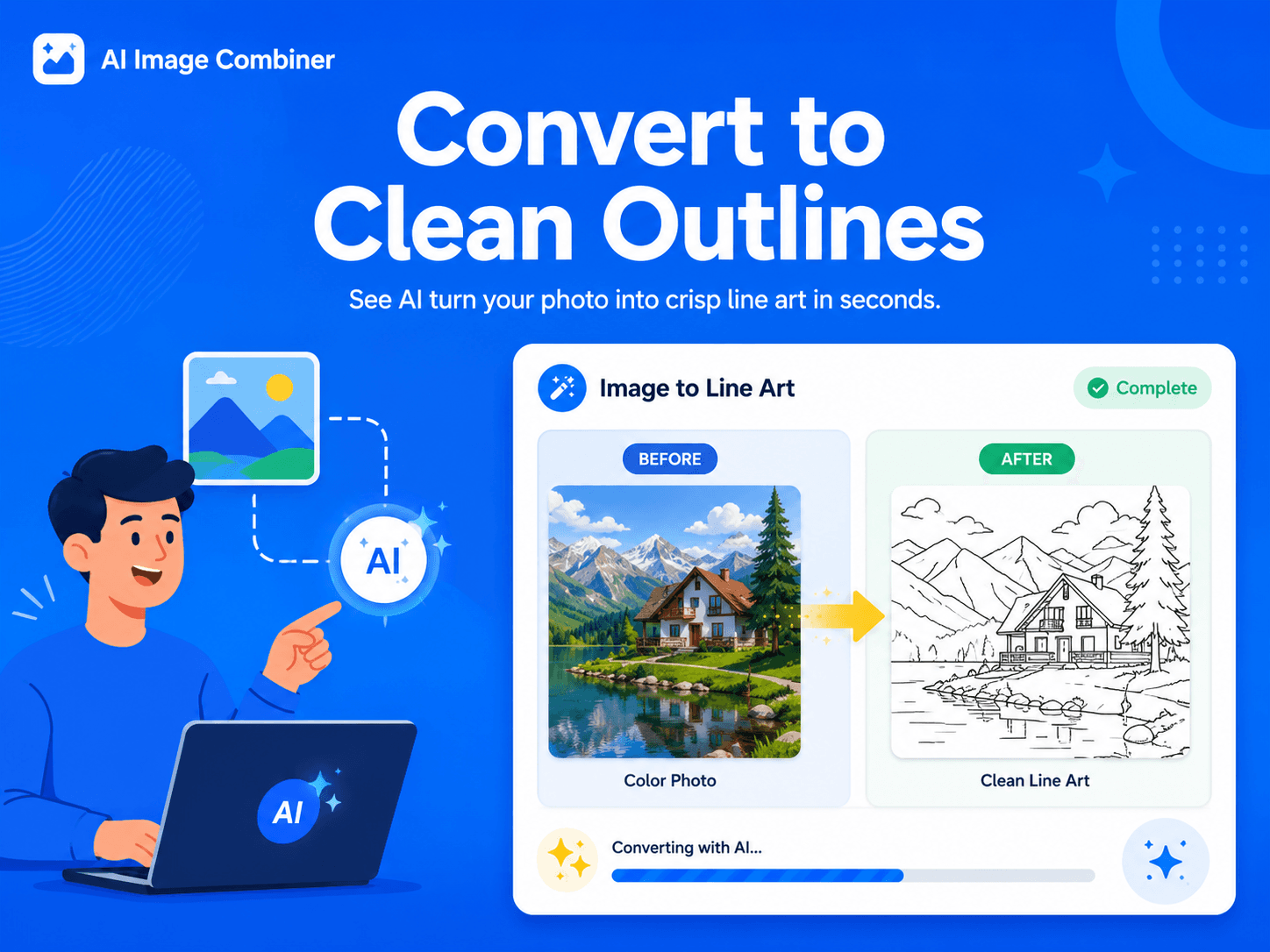
Ready for design workflows
Use Cases for Photo to Line Drawing
Image to Line Art is helpful for creators who need clean outlines without spending hours tracing by hand. Use it for coloring pages, product outline references, sticker concepts, craft templates, engraving references, storyboards, and design sketches.
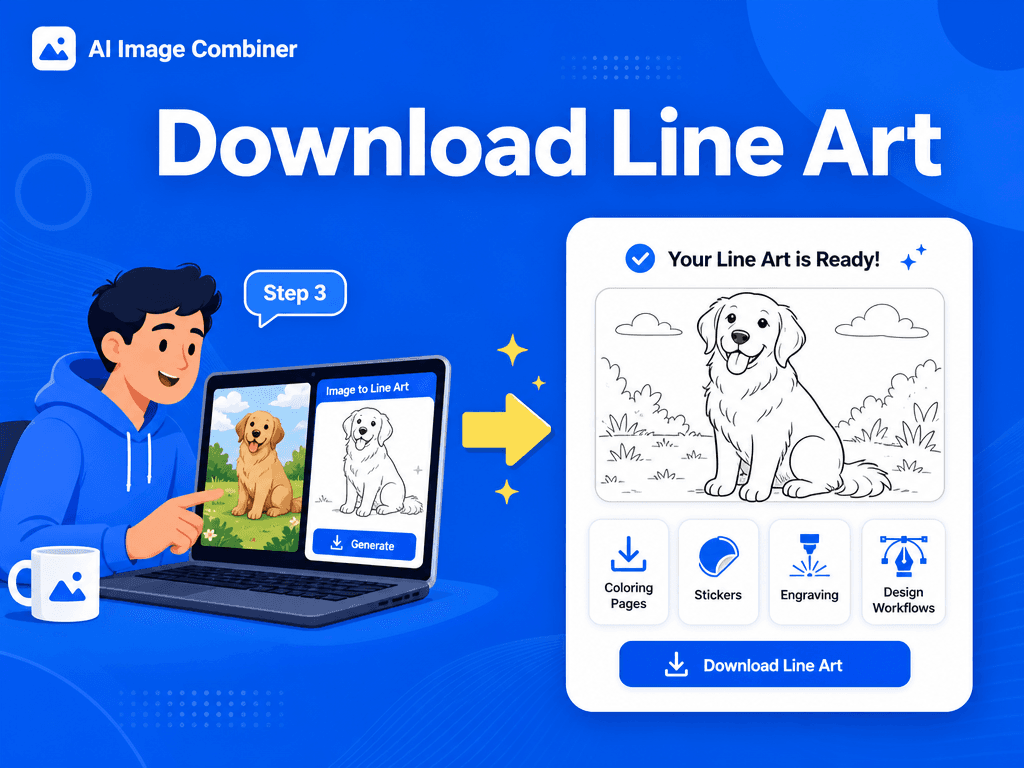
Simple workflow
手順
Convert image to line art in a focused workflow designed for clean outlines, coloring pages, stickers, craft files, and design references.
クリアな元画像を1枚アップロード(高解像度ほど輪郭が鮮明になります)
追加パラメータ不要 —「結合」をクリックして変換を開始
生成されたPNG/JPGをプレビューしてダウンロード
Download the line art result and use it for coloring pages, stickers, icons, design references, craft templates, or further editing.
Image to Line Art Features
Clean black-and-white outlines:
Convert photos into crisp line drawings with clear contours and reduced visual noise.
Preserved composition:
Keep the original framing, subject placement, silhouette, and important structural details.
Design-ready exports:
Generate line art outputs that are easy to download, review, and continue editing in your workflow.
Flexible creative use:
Use the result for coloring pages, stickers, engraving concepts, icons, worksheets, storyboards, and visual references.
品質向上のヒント
被写体と背景の境界が明確で照明の良い入力画像は、よりクリーンな輪郭線を生成します。
ノイズや圧縮による画質劣化を軽減すると、より滑らかな線画が得られます。
複雑な背景の場合は、被写体を強調するためによりタイトなトリミングをお試しください。
Avoid heavily compressed, blurry, or low-contrast images when you need sharp line drawing results.
FAQ
よくある質問
ベストプラクティス
- 細部を保持するため、高解像度の入力を使用してください。
- 信頼性の高い輪郭検出のため、元写真のコントラストを確保してください。
- 線が粗すぎたり密すぎたりする場合は、異なる入力を試してください。
- Use the AI output as a strong first draft, then refine line weight, cleanup, or vector tracing in your design software when needed.
陰影やトーンは追加されますか?
いいえ。白背景上の純粋な黒の線画を対象とし、クリアな線画を作成します。
構図は変更されますか?
いいえ。元の構図は保持され、レンダリングスタイルのみが変更されます。
Can I use the result as a coloring page?
Yes. Clear portraits, animals, objects, and simple scenes can work well as coloring page bases.
What images work best for line art conversion?
Images with good lighting, clear subjects, strong edges, and limited background clutter usually create the best line art.