AI图像转线稿
使用AI将照片转换为清晰的黑白线稿。提取鲜明轮廓,保持结构完整,导出高分辨率成果
1. 上传图片
上传图片
拖拽多张图片或点击选择
最多可上传 5 张图片
生成结果
AI生成的图片将显示在这里
需要高级控制和自定义提示吗?
试试AI图片合成器——支持上传一张或两张图片。
Photo to line drawing
Image to Line Art Features
遵循这些技巧,"图像转线稿"功能可生成干净、可扩展的轮廓线,适用于各种视觉工作流程。
Start with any clear image
如何使用图片转线稿工具
本工具可将上传的单张图片转换为干净的黑白线稿。它会提取明显的边缘和轮廓,保留构图和关键细节,同时避免阴影和颜色。非常适合插画、图标设计、故事板、贴纸以及激光/绘图仪工作流程。
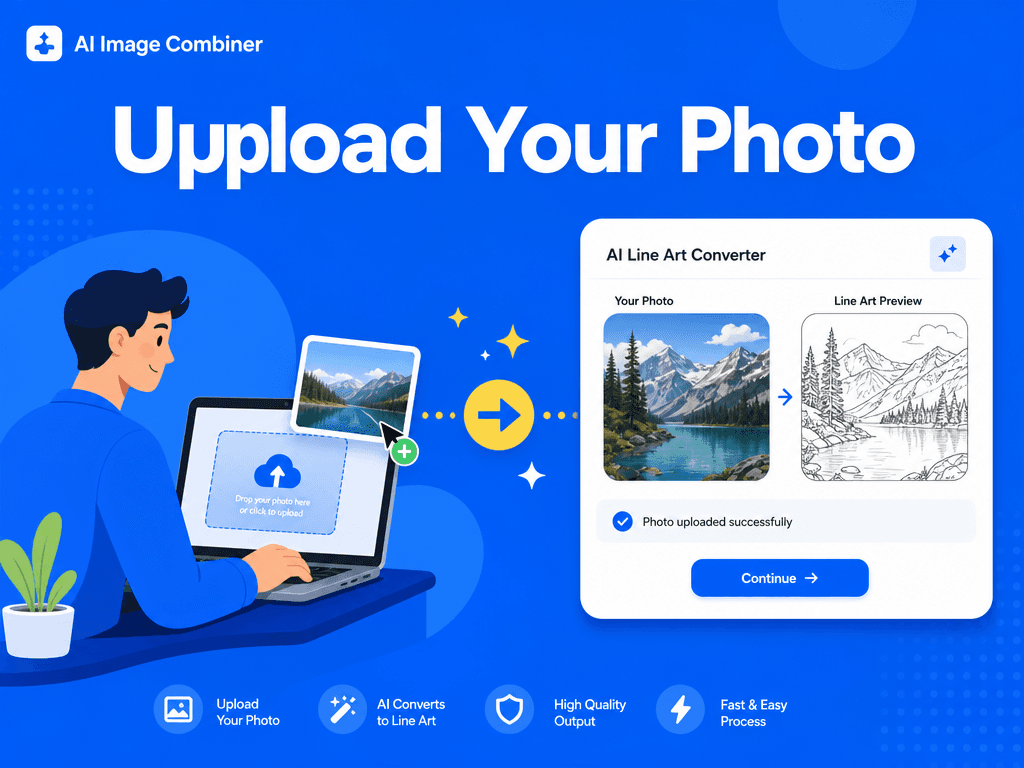
AI outline extraction
Why Use an AI Line Art Generator
Manual tracing takes time, especially when the source image has complex shapes, hair, clothing folds, product details, or background elements. An AI line art generator speeds up the first draft by identifying strong visual structure and removing color distractions.
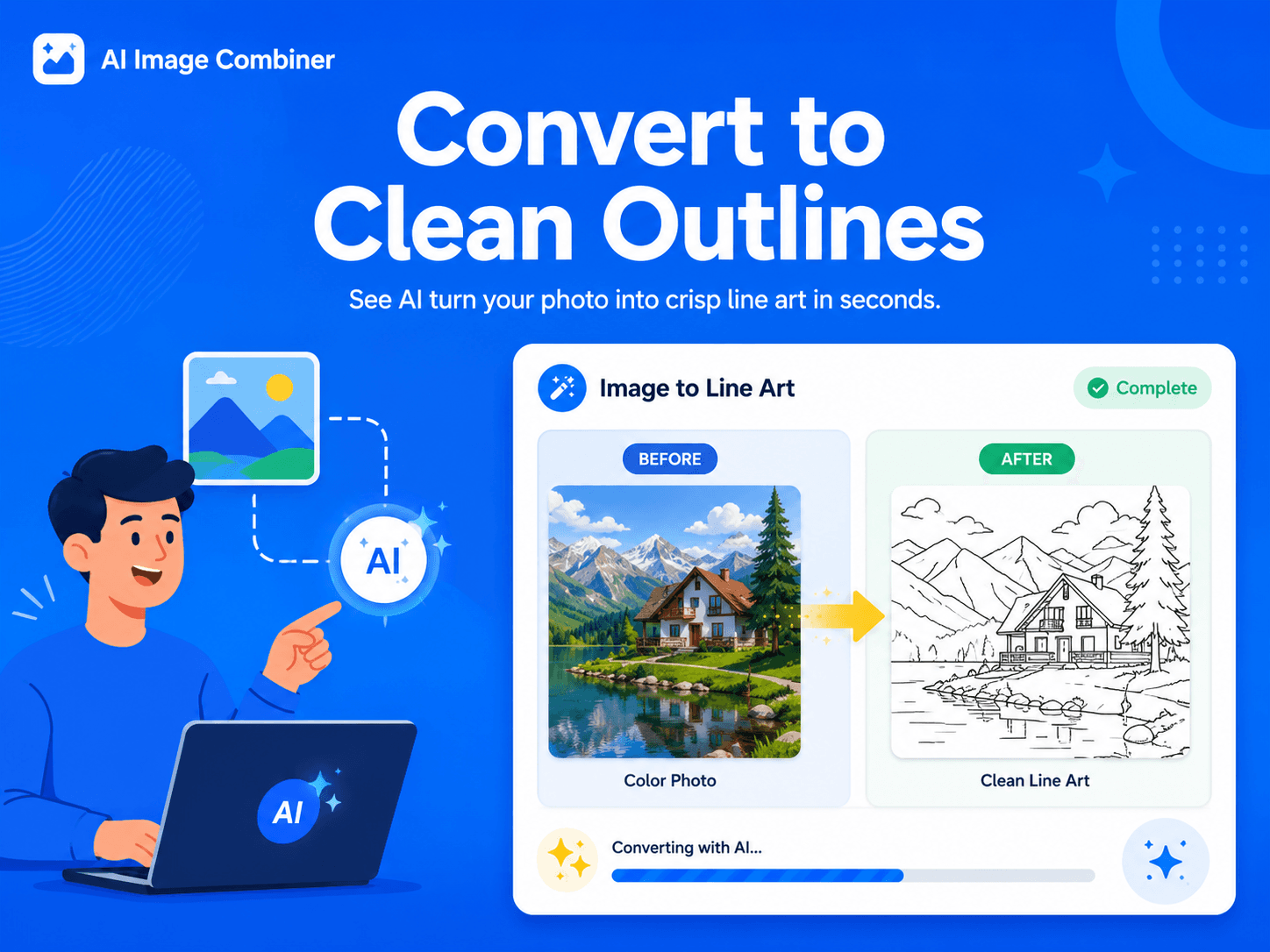
Ready for design workflows
Use Cases for Photo to Line Drawing
Image to Line Art is helpful for creators who need clean outlines without spending hours tracing by hand. Use it for coloring pages, product outline references, sticker concepts, craft templates, engraving references, storyboards, and design sketches.
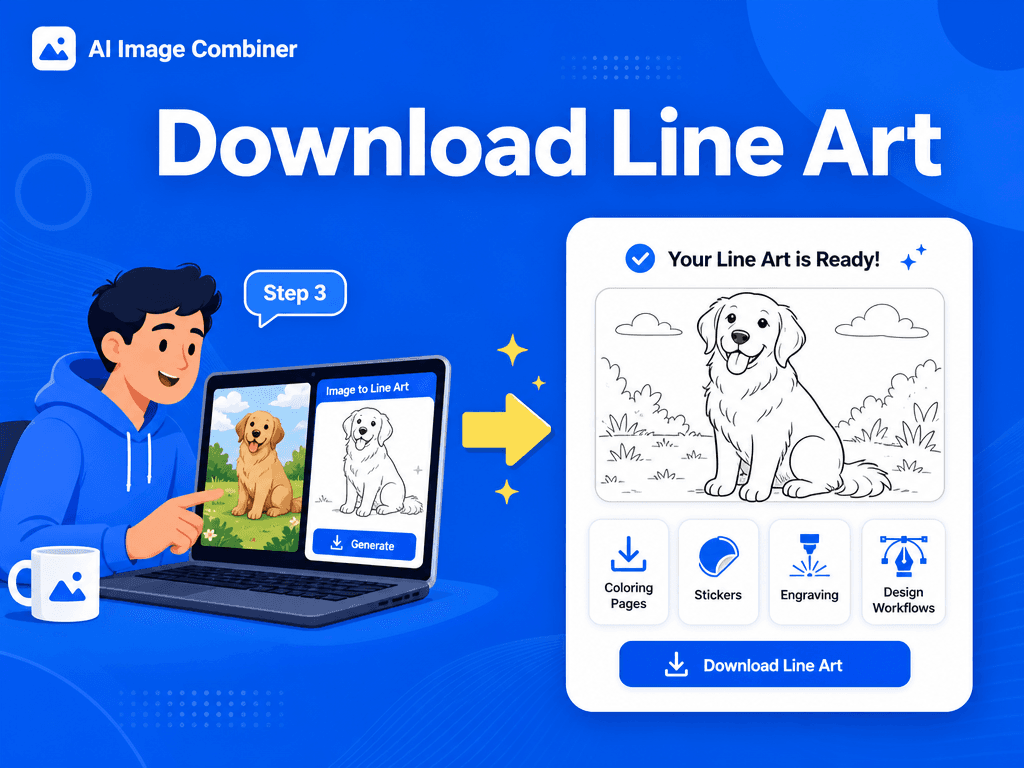
Simple workflow
操作步骤
Convert image to line art in a focused workflow designed for clean outlines, coloring pages, stickers, craft files, and design references.
上传一张清晰的源图片(分辨率越高,轮廓越清晰)。
无需额外参数——点击"合成"按钮开始转换。
预览并下载生成的PNG/JPG文件。
Download the line art result and use it for coloring pages, stickers, icons, design references, craft templates, or further editing.
Image to Line Art Features
Clean black-and-white outlines:
Convert photos into crisp line drawings with clear contours and reduced visual noise.
Preserved composition:
Keep the original framing, subject placement, silhouette, and important structural details.
Design-ready exports:
Generate line art outputs that are easy to download, review, and continue editing in your workflow.
Flexible creative use:
Use the result for coloring pages, stickers, engraving concepts, icons, worksheets, storyboards, and visual references.
质量提示
光线充足的输入内容与背景区分明显,可生成更清晰的轮廓线。
减少严重噪点或压缩伪影,使线条更流畅。
对于过于复杂的背景,尝试更紧密的裁剪以突出主体。
Avoid heavily compressed, blurry, or low-contrast images when you need sharp line drawing results.
FAQ
常见问题
最佳实践
- 使用更高分辨率的输入文件可保留精细细节。
- 确保源照片具有良好的对比度,以获得可靠的边缘检测效果。
- 如果线条显得过于稀疏或密集,可以尝试不同的输入参数。
- Use the AI output as a strong first draft, then refine line weight, cleanup, or vector tracing in your design software when needed.
会添加阴影或色调吗?
不会。本功能针对白底纯黑线条,专门生成清晰的线稿。
会改变构图吗?
不会。保持原始构图框架,仅改变渲染风格。
Can I use the result as a coloring page?
Yes. Clear portraits, animals, objects, and simple scenes can work well as coloring page bases.
What images work best for line art conversion?
Images with good lighting, clear subjects, strong edges, and limited background clutter usually create the best line art.