Add Person to Photo
Upload the original photo and the person you want to add, then generate a natural result with matched scale, lighting, and perspective.
Images
0/8Ready to add a person to a photo?
Upload the main photo and the portrait you want to place into it, then generate a clean merged result.
Need broader image composition tools?
Try AI Image Combiner for general multi-image layouts and custom merges.
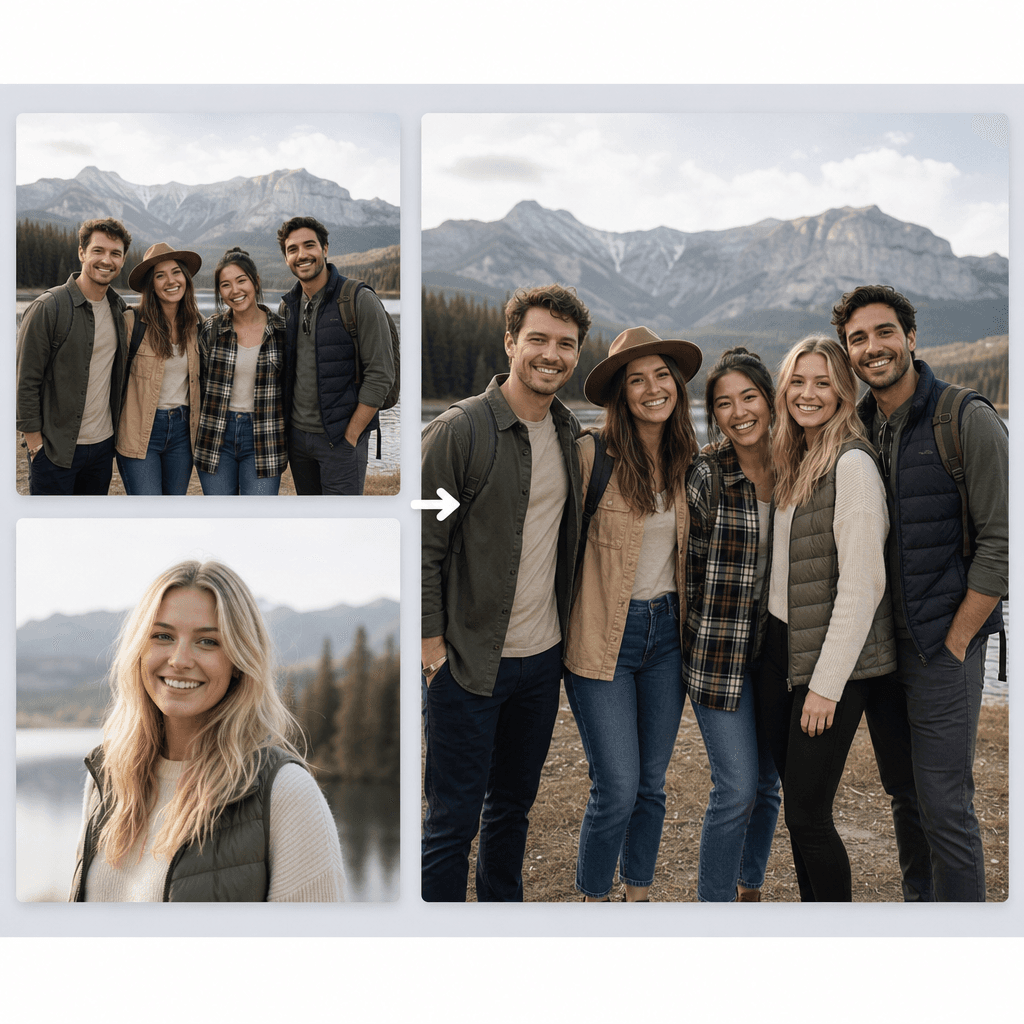
Add Person to Photo Effect Demo
These examples show the kind of result Add Person to Photo is built for: a new subject placed into the scene with more natural spacing, cleaner edges, and consistent light.
How to Use Add Person to Photo
Add Person to Photo is made for a direct workflow. You upload the scene, upload the person you want to insert, choose a natural or themed result, and generate a finished image in one place.
01
Upload the scene and portrait
Start with one clear photo you want to keep, then add the extra portrait or person image you want blended into that scene.
02
Choose the result direction
Use a preset for a faster result, or write short custom guidance for placement, mood, camera framing, or background details.
03
Generate and export
Preview the merged output, then download it when the new subject looks naturally placed and consistent with the original photo.
Add Person to Photo Advantages
The page focuses on the practical parts of this workflow: planning the placement quickly, comparing scene directions, and producing a result that feels usable instead of obviously pasted.
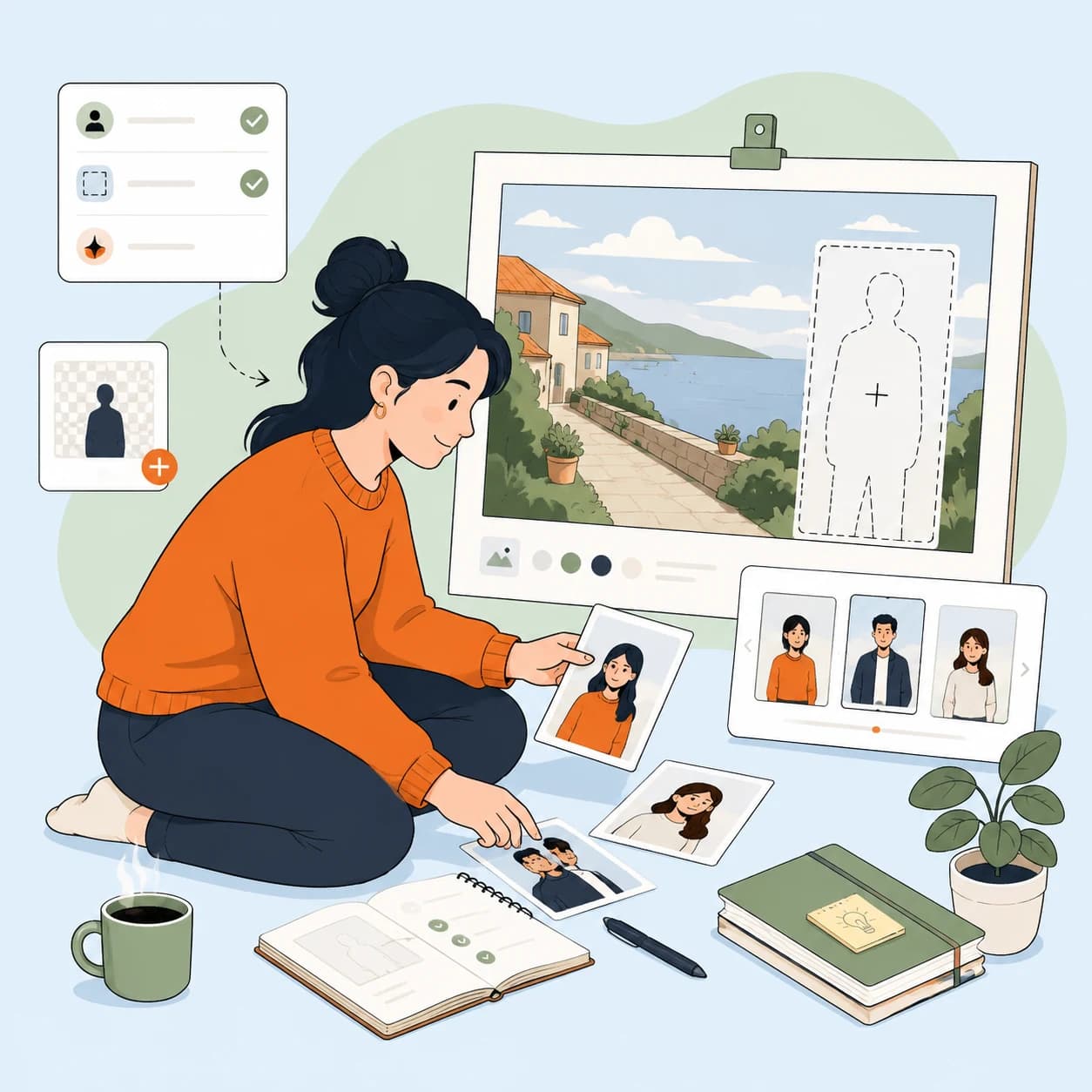
Plan the placement with less guesswork
The tool helps you start from a clear scene idea instead of trial-and-error compositing. That makes it easier to decide where the new person belongs before you generate.
Useful when you already have the main photo and only need to place one more subject naturally.
Good for family photos, travel photos, team shots, and lightweight marketing edits.
Compare directions without rebuilding the setup
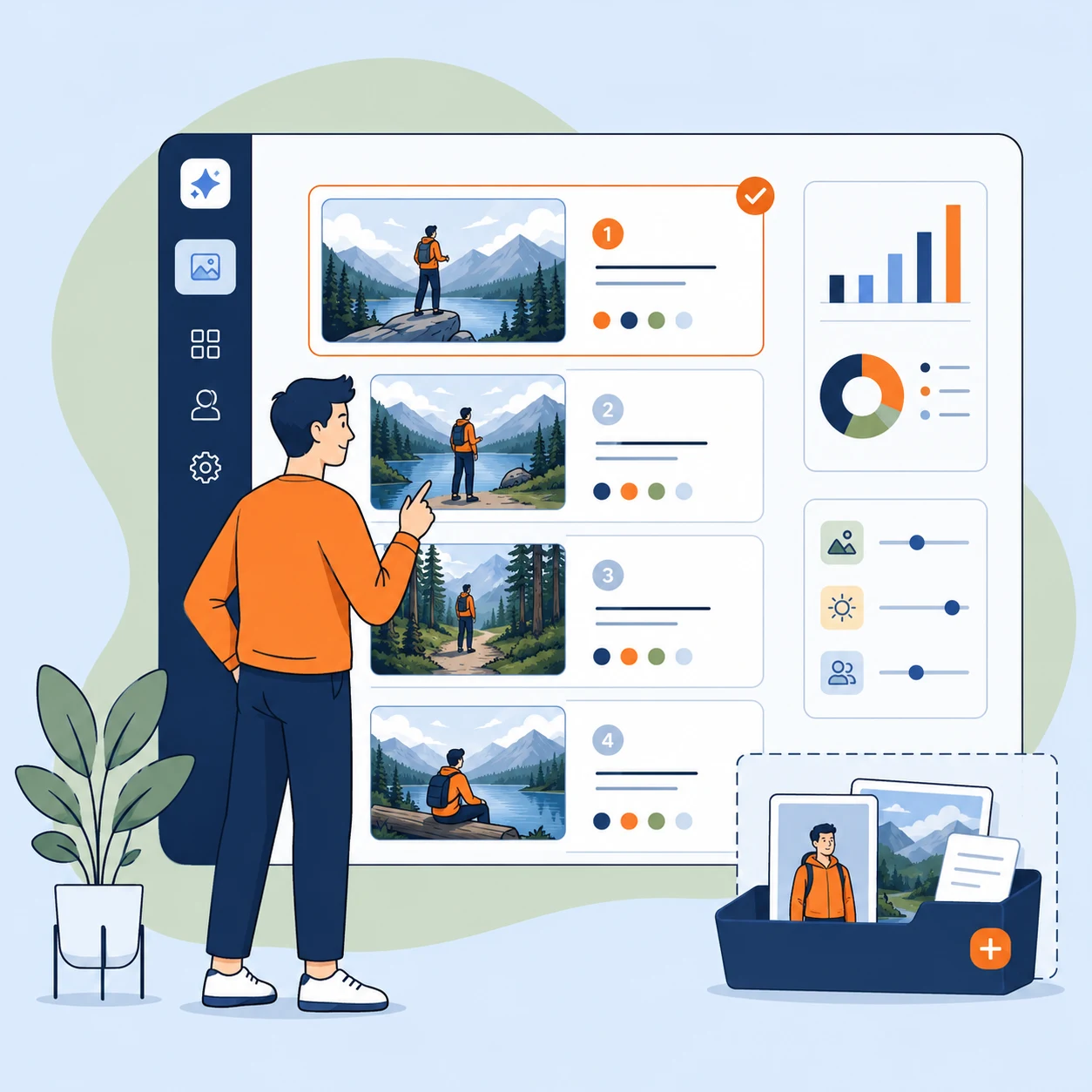
You can test a cleaner natural blend or move toward a more styled scene without redoing your whole upload flow each time.
Helpful when you need a few layout or mood variations from the same source images.
Keeps the workflow simple for non-designers who still want a presentable result.
Get a result that is easier to share
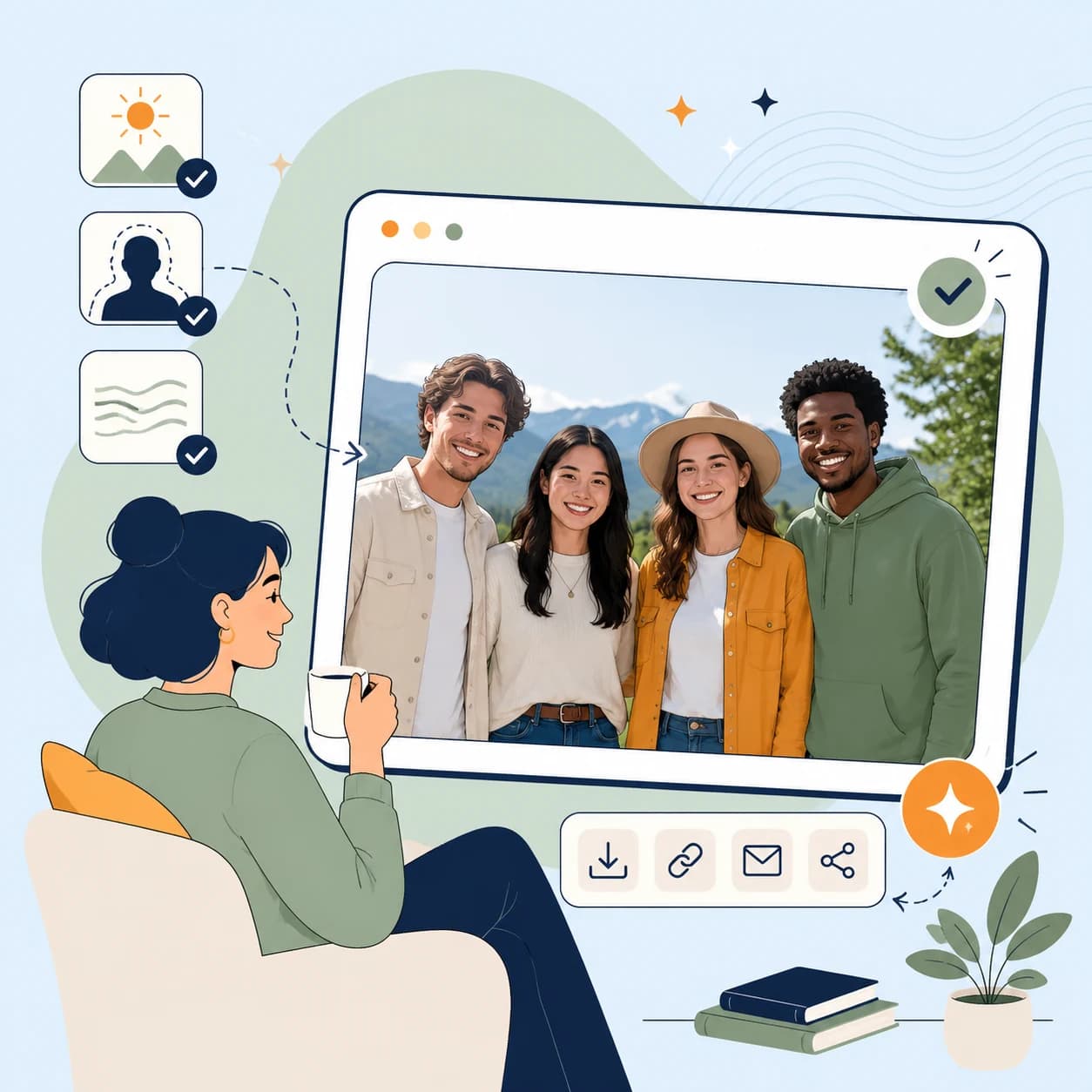
The strongest outputs feel more like one finished photo, with fewer distracting cutout edges and less obvious mismatch between the new person and the original group.
Aims to align lighting, scale, perspective, and subject spacing in one pass.
Useful for social posts, internal team pages, event graphics, and personal keepsakes.
Add Person to Photo FAQ
A few common questions before you start generating.
Start with Add Person to Photo
Upload the original image and the extra portrait, then generate a cleaner merged result in a few steps.