Image Describer & Prompt Guesser
Upload an image and get a detailed AI image description, image to text summary, alt text, caption, and prompt guess for Midjourney, Stable Diffusion, Gemini, or DALL-E.
Click to select or drag and drop an image here
Supports JPG, PNG, WEBP formats and up to 5 images
Choose how you want to use the result. Skip if you just need a general image description.
Want to create images from your prompts?
Try AI Image Combiner — supports custom prompts and multiple image inputs.
Image Describer workflow
Key Features of Our Image Describer
Image Describer gives you a fast way to understand, describe, and reuse visual information. Upload an image to generate detailed image to text content, accessibility-friendly descriptions, captions, and prompt guesses for AI image generation. Whether you are improving website content, documenting product photos, studying AI art, or building prompts for Midjourney, Stable Diffusion, Gemini, or DALL-E, this image describer helps turn visual references into clear, useful text.
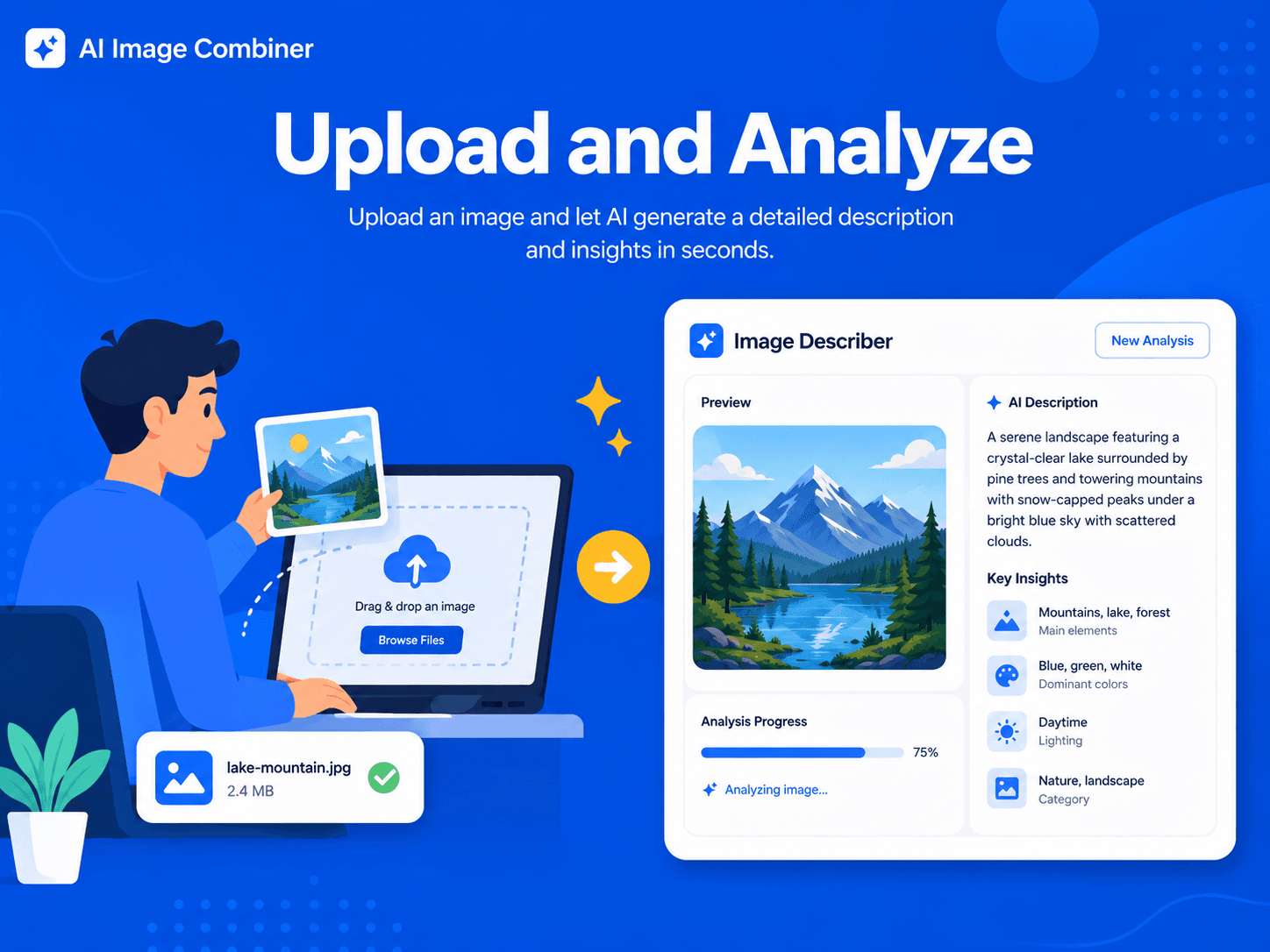
Upload and analyze
How to Use Image Describer
Image Describer helps you understand any picture in seconds. Upload a photo, screenshot, product image, artwork, or AI-generated visual, then get a clear image to text description that explains the subject, objects, scene, composition, lighting, colors, and style. You can use the result as alt text, a caption, website image copy, accessibility notes, or a prompt guess for AI image generators. For creative workflows, Image Describer also works as an image to prompt generator: it converts visual details into prompt-ready language for Midjourney, Stable Diffusion, Gemini, DALL-E, and other AI tools.
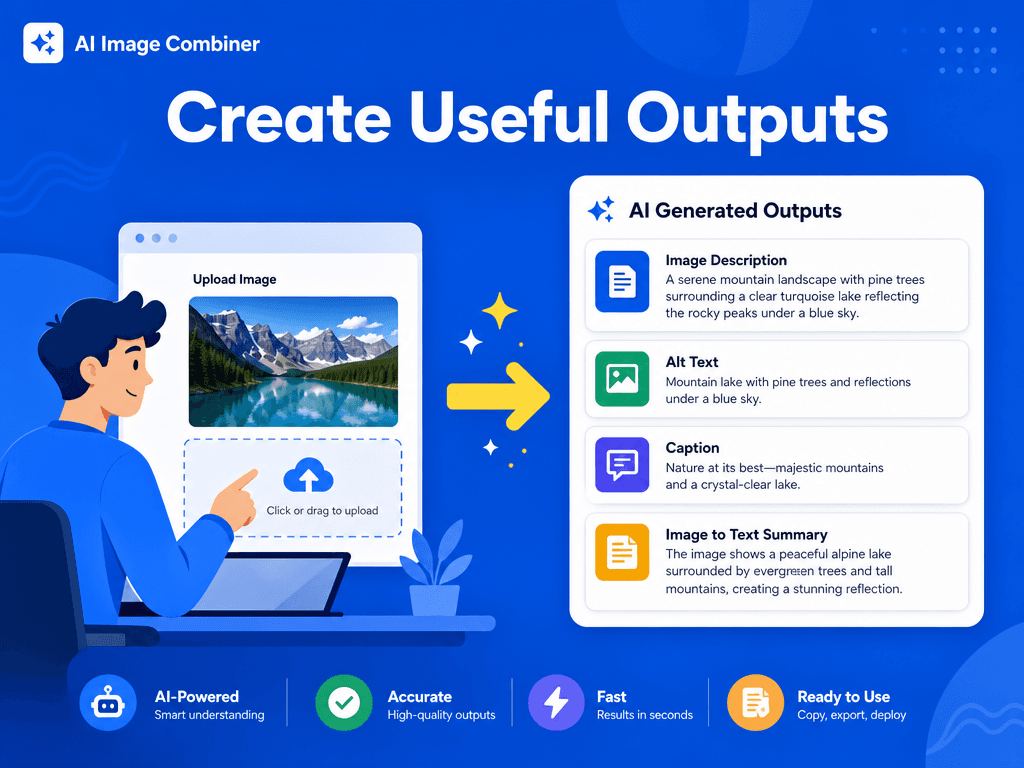
Create useful outputs
Why Use Image Describer
A strong image describer saves time when you need reliable visual analysis. Instead of manually writing captions or guessing which prompt created an image, you can upload the picture and let AI describe what matters: who or what appears, where the scene takes place, how the image is framed, which colors dominate, what style it uses, and which details should be preserved. This is useful for creators studying AI art, marketers writing product descriptions, website owners improving image SEO, and teams creating accessibility-friendly alt text. When you need prompt engineering help, the same analysis becomes a prompt guesser that explains how to recreate a similar visual result.
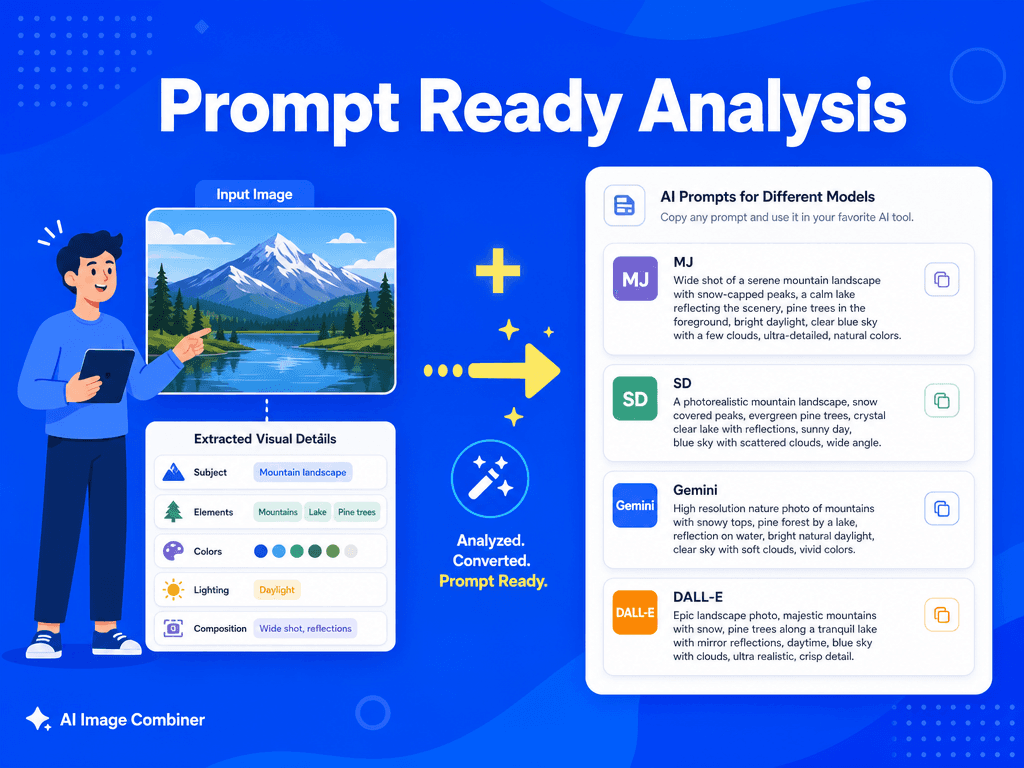
Prompt-ready analysis
Use Cases and Benefits of Image Describer
Image Describer is useful for anyone who needs to turn visuals into words. Website owners can create alt text and SEO-friendly image descriptions. E-commerce teams can turn product photos into draft copy. Social media creators can generate captions and content ideas. AI artists can study successful images and convert them into prompt guesses. Designers can document references, mood boards, and style direction. Educators and accessibility teams can create clearer descriptions for visual materials. The tool bridges the gap between what you see in an image and the text you need to explain, publish, or recreate it.
Step by step
How to Describe Images in 5 Easy Steps
Use Image Describer as a fast workspace for alt text, captions, detailed image descriptions, and prompt guesses.
Upload an image you want to understand, describe, caption, or recreate. Image Describer works with photos, screenshots, AI art, illustrations, product images, and design references.
Select a description goal. Choose Text-to-Image when you want a prompt for creating a new image, or Image-to-Image when you want guidance for editing or transforming an existing image.
Choose the output language so the AI image description, alt text, caption, or prompt guess matches your audience and workflow.
Click "Describe Image" and let the AI analyze subjects, objects, style, lighting, composition, colors, mood, and useful prompt details.
Copy the result and use it as image to text content, website alt text, product copy, creative notes, or a starting prompt for Midjourney, Stable Diffusion, Gemini, or DALL-E.
Visual examples
Showcase of Image Describer Results
Combine real image examples with structured descriptions so visitors can understand the output before uploading their own file.
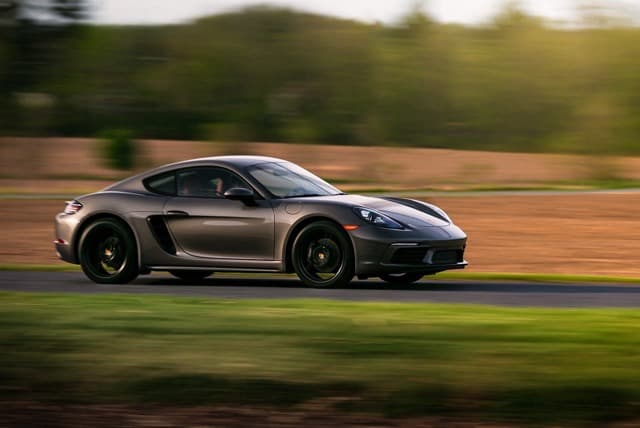
Motion and product detail
Describe fast-moving subjects, vehicle styling, background blur, lighting, and the visual cues needed for prompt guessing.
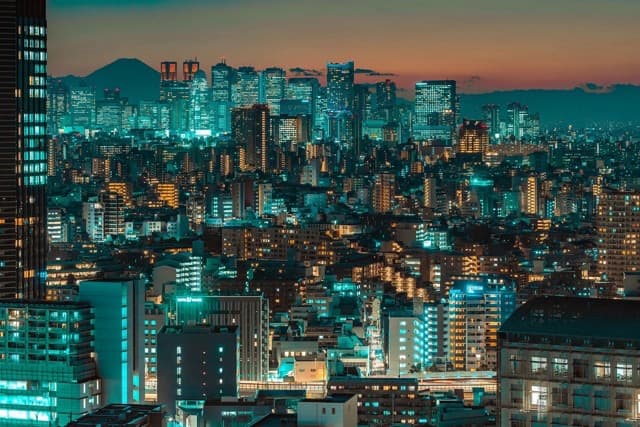
Scene and atmosphere
Turn complex cityscapes into structured image to text content with mood, location, scale, and color context.
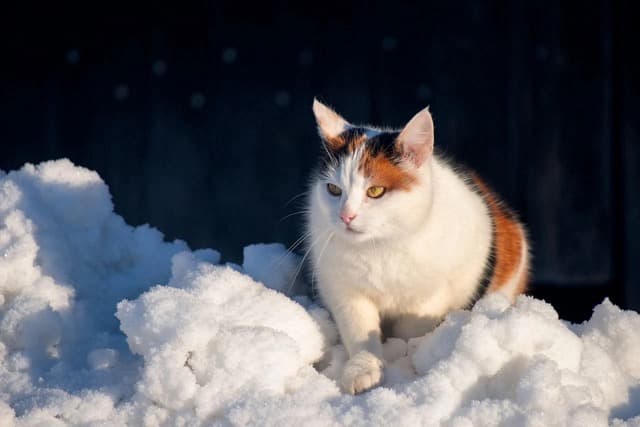
Subject recognition
Identify animals, colors, pose, environment, and foreground-background contrast for captions or alt text.
Core Image Describer Capabilities
Style Analysis:
Identifies artistic style, medium, design language, aesthetic qualities, and visual references.
Composition Breakdown:
Explains layout, framing, perspective, focal point, balance, and visual hierarchy.
Technical Details:
Captures lighting, color palettes, texture, camera feel, rendering quality, and prompt-ready visual details.
Subject Identification:
Recognizes people, products, objects, background details, scene context, and readable visual elements.
Tips for Better Image Describer Results
Use clear, high-quality images with visible subjects for more accurate image to text descriptions.
Choose Text-to-Image if your goal is to recreate the image style from scratch, and Image-to-Image if your goal is editing guidance.
Review AI-generated alt text before publishing, especially for accessibility, product pages, or important website content.
Use the generated prompt guess as a starting point, then refine details such as aspect ratio, camera angle, style keywords, and negative prompts.
FAQ
Frequently Asked Questions About Image Describer
Uploaded images are analyzed only to generate image descriptions and prompt guesses. The generated descriptions are yours to use, but you should make sure you have the right to upload and analyze the original image, especially for commercial work, client projects, or published website content.
What is Image Describer?
Image Describer is an AI tool that analyzes a picture and turns it into useful text. It can create a detailed image description, alt text, caption, image to text summary, and prompt guess for AI image generators.
Can Image Describer guess prompts from AI images?
Yes. The tool can analyze AI-generated artwork and produce a prompt guess that captures the main subjects, style, lighting, colors, and composition. It may not recover the exact original prompt, but it gives a strong starting point.
Can I use Image Describer for website alt text?
Yes. Image Describer can draft alt text and website-friendly image descriptions. For accessibility-critical content, review the output and add any context the AI cannot know, such as names, intent, or business-specific details.
What images work best with Image Describer?
Clear images with visible subjects, good lighting, and intentional composition work best. The tool can describe photos, screenshots, product images, illustrations, AI art, and design references.