AI Pixel Art Generator
Convert any image to pixel art with AI. Create retro pixel art portraits, kawaii pixel art, sprites, landscapes, trains, airplanes, rainbows, and more.
1. Upload Image
Upload Images
Drag & drop multiple images or click to select
Maximum upload 5 images
Generated Results
AI-generated images will appear here
Need more creative control over your images?
Try AI Image Editor — supports custom prompts for unlimited creative possibilities.
AI pixel art generator
Pixel Art Converter Features
With these image to pixel art tips and guidelines, the AI pixel art generator becomes an essential tool for anyone interested in retro digital art. Whether you are developing indie games, creating nostalgic social media content, making a pixel art portrait, experimenting with kawaii pixel art, or converting references such as airplanes, trains, mountains, rainbows, objects, and original characters into pixel art, this Pixel Art AI workflow provides the quality and authenticity you need for standout results.
Upload any source image
How to Use the AI Pixel Art Converter
This AI pixel art generator transforms any image into authentic retro-style pixel art. Upload a portrait, airplane, train, mountain landscape, rainbow graphic, brain illustration, object reference, or cute kawaii concept, and let Pixel Art AI convert it into crisp blocky artwork. The converter image to pixel art workflow preserves the original composition while applying classic pixel art aesthetics, limited color palettes, visible pixels, and nostalgic game-inspired texture. It is ideal for pixel art portraits, indie game assets, icons, stickers, social avatars, pixel art painter experiments, and retro design concepts.
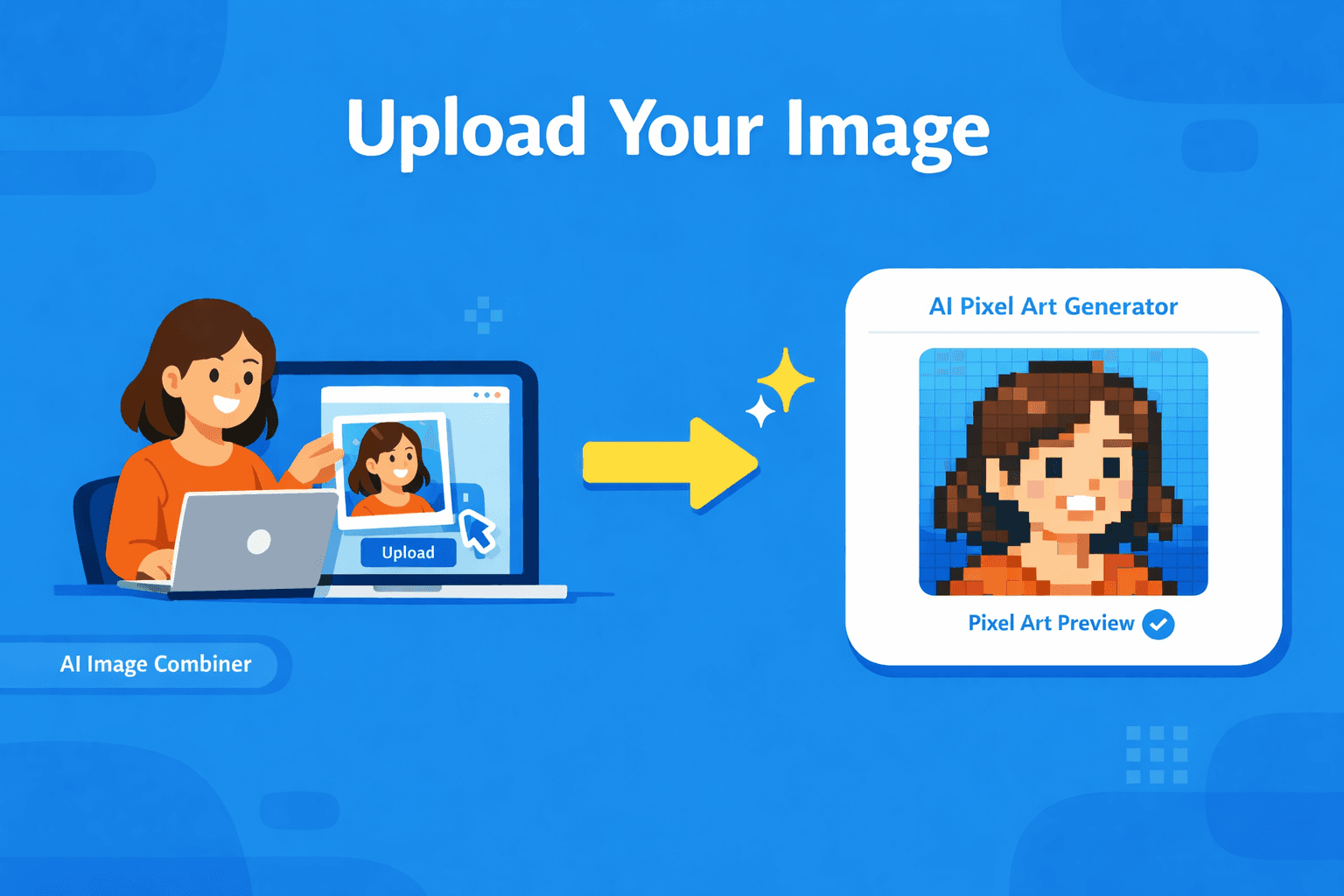
AI pixel art conversion
Why Use This AI Pixel Art Generator
Creating pixel art manually requires patience, color discipline, and careful pixel placement. This pixel art AI generator speeds up the process while keeping the charm that makes pixel art special: sharp edges, intentional color blocks, readable silhouettes, and retro texture. Use it when you want to paint pixel art from a photo, create a pixel art portrait, test a game sprite idea, turn mountains into pixel art, or explore cute kawaii pixel art styles without starting from a blank grid.
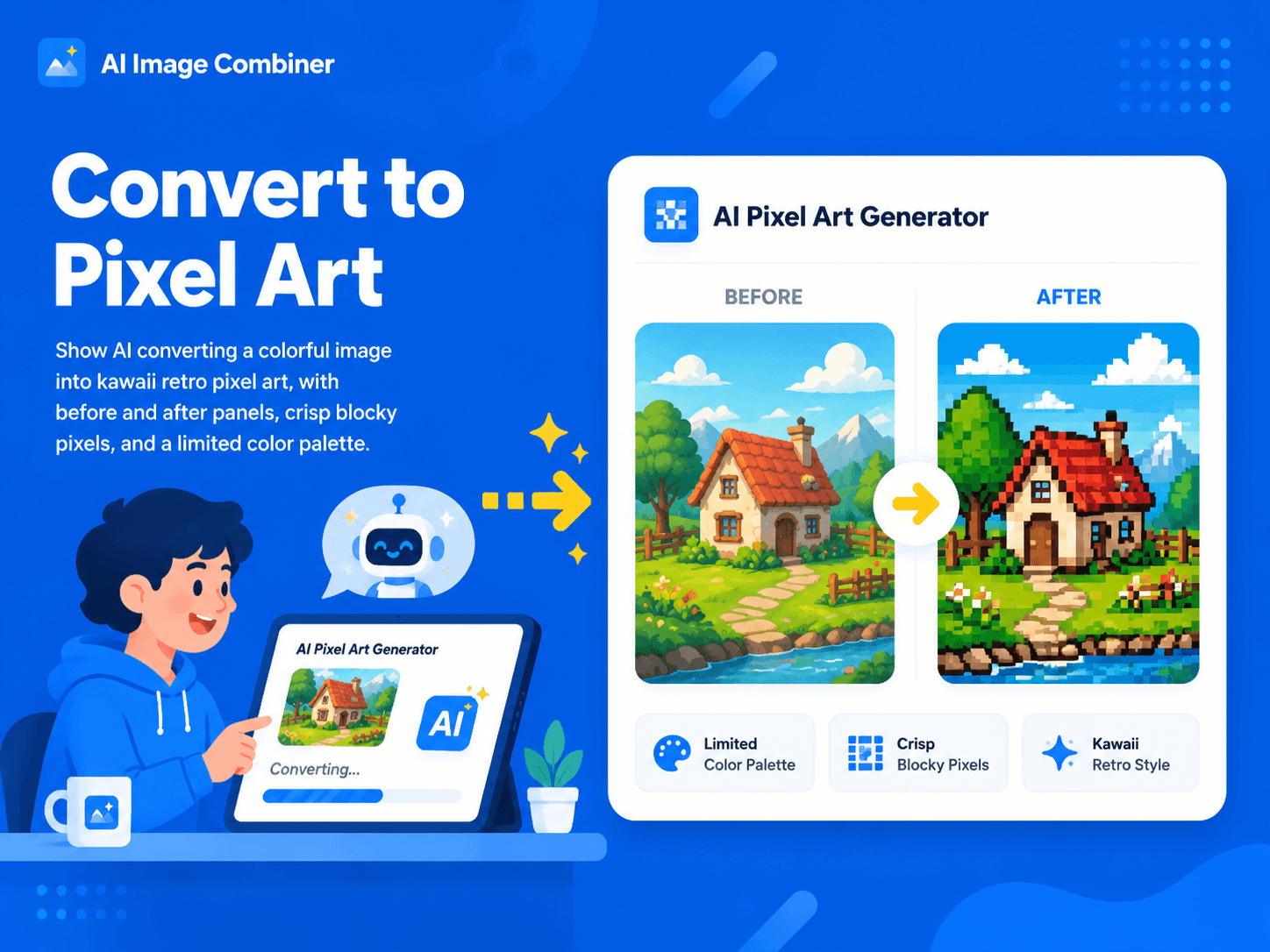
Ready for creative projects
Use Cases and Benefits: AI Pixel Art Converter
The pixel art converter serves game developers creating retro-style assets, digital artists exploring pixel art techniques, social media creators making nostalgic content, and hobbyists who love retro gaming aesthetics. Use this converter image to pixel art tool for pixel art portraits, kawaii pixel art stickers, train pixel art, airplane pixel art, mountains pixel art, rainbow pixel art, simple object icons, and original anime-inspired character concepts. Avoid copying copyrighted characters directly; instead, use the AI pixel art generator to create original characters and scenes inspired by broad retro aesthetics.
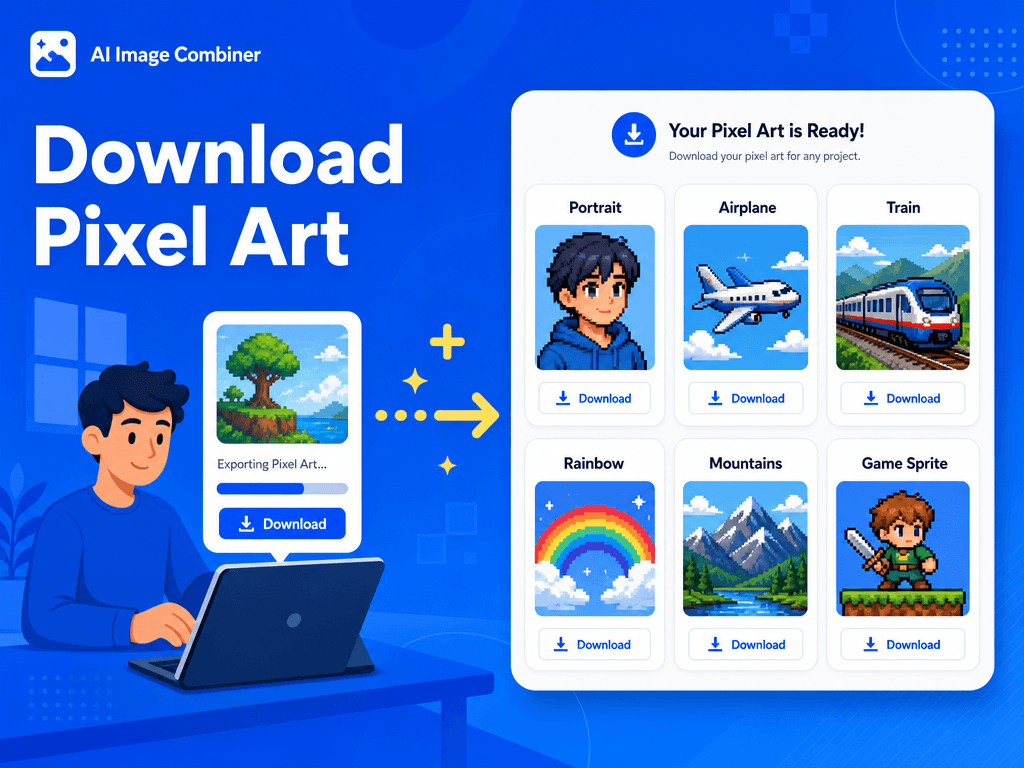
Image to pixel art
Steps
Turn portraits, objects, landscapes, trains, airplanes, rainbow scenes, and kawaii concepts into retro pixel art without manual pixel painting.
Upload your source image to the pixel art converter interface.
Add optional style preferences or specific requirements for your pixel art conversion.
Click "Generate" to convert image to pixel art using our AI technology.
Download your pixel art creation in high resolution, perfect for games, digital art, or printing.
Pixel art ideas
From Kawaii Pixel Art to Retro Game Assets
Use the AI pixel art generator for portraits, cute scenes, object studies, vehicle references, mountain landscapes, rainbow icons, and painterly pixel art experiments.
Pixel art portrait
Turn selfies, character concepts, and profile images into crisp retro portraits for avatars, indie games, and social posts.
Kawaii pixel art
Create cute, colorful pixel art inspired by soft palettes, rounded shapes, rainbow motifs, tiny props, and sticker-style visuals.
Objects and scenes
Convert airplane pixel art, train pixel art, mountains pixel art, brain pixel art, and other references into blocky game-ready visuals.
Pixel Art Converter Features
16-bit retro style:
Authentic pixel art aesthetic that captures the classic gaming era.
Crisp pixel rendering:
No anti-aliasing or blur effects, ensuring sharp, clean pixels.
Intelligent color palette:
AI-optimized colors derived from your source image for vibrant results.
Dithering techniques:
Professional pixel art methods to reproduce lighting and shadows.
Composition preservation:
Maintains key shapes and recognizable features from the original image.
Core Capabilities of Pixel Art Converter
Automatic pixel sizing:
Consistent pixel dimensions throughout the converted artwork.
Color optimization:
Limited but well-chosen palettes that capture the essence of your original image.
Detail preservation:
Important features remain clearly visible in pixel art form.
Retro authenticity:
True-to-era pixel art styling that matches classic gaming aesthetics.
Tips and FAQ
Image to Pixel Art Tips
Best Practices for Pixel Art Converter
- Use high-contrast images for the most dramatic pixel art conversions.
- Images with clear subjects work better than busy, cluttered compositions.
- Consider the final use case when selecting source images for the pixel art converter.
- Experiment with different source image sizes to find the optimal pixel art scale.
- Save your pixel art at the original resolution to maintain crisp pixel definition.
What makes this pixel art converter different from simple filters?
Our AI pixel art converter understands proper pixel art techniques including strategic color placement, dithering patterns, and authentic 16-bit styling. Unlike simple filters, it creates true pixel art with intentional pixel placement and optimized color palettes.
Can I convert image to pixel art for commercial projects?
Yes, the pixel art created by our converter can be used commercially, provided you have rights to the original source image. The pixel art converter output is suitable for game development, digital art sales, and commercial applications.
How does the pixel art converter handle different image types?
The converter image to pixel art tool works with photographs, digital art, logos, and illustrations. It automatically adapts the pixel art technique based on the source image characteristics for optimal results.
Rights and Privacy
Images uploaded to the pixel art converter are processed securely and used only for your conversion request. Your original images and pixel art creations belong to you. Ensure you have rights to convert the source images, especially for commercial use. The pixel art converter does not store or share your images after processing.