Image to Line Art AI
Convert photos to crisp black-and-white line art with AI. Create clean outlines, line drawings, coloring pages, stickers, and design-ready artwork.
1. Upload Image
Upload Images
Drag & drop multiple images or click to select
Maximum upload 5 images
Generated Results
AI-generated images will appear here
Need advanced controls with custom prompts?
Try AI Image Combiner — supports uploading one or two images.
Photo to line drawing
Image to Line Art Features
Image to Line Art helps you convert photos into clean outline artwork without manual tracing. Use it as a photo to line drawing converter, image to outline tool, AI line art generator, or coloring page starter. Whether you are preparing stickers, icons, worksheets, design references, engraving concepts, or sketch bases, this tool gives you a fast way to turn visual ideas into clean black-and-white line art.
Start with any clear image
How to Use Image to Line Art
Image to Line Art turns a photo, product shot, portrait, pet image, object reference, or illustration into clean black-and-white line drawing output. Upload one clear source image and let AI detect the important contours, edges, silhouettes, and structural details. The result is useful when you need a photo to line drawing converter, image to outline tool, AI line art generator, or a fast way to prepare artwork for coloring pages, icons, stickers, engraving references, craft templates, tattoo concepts, and design sketches.
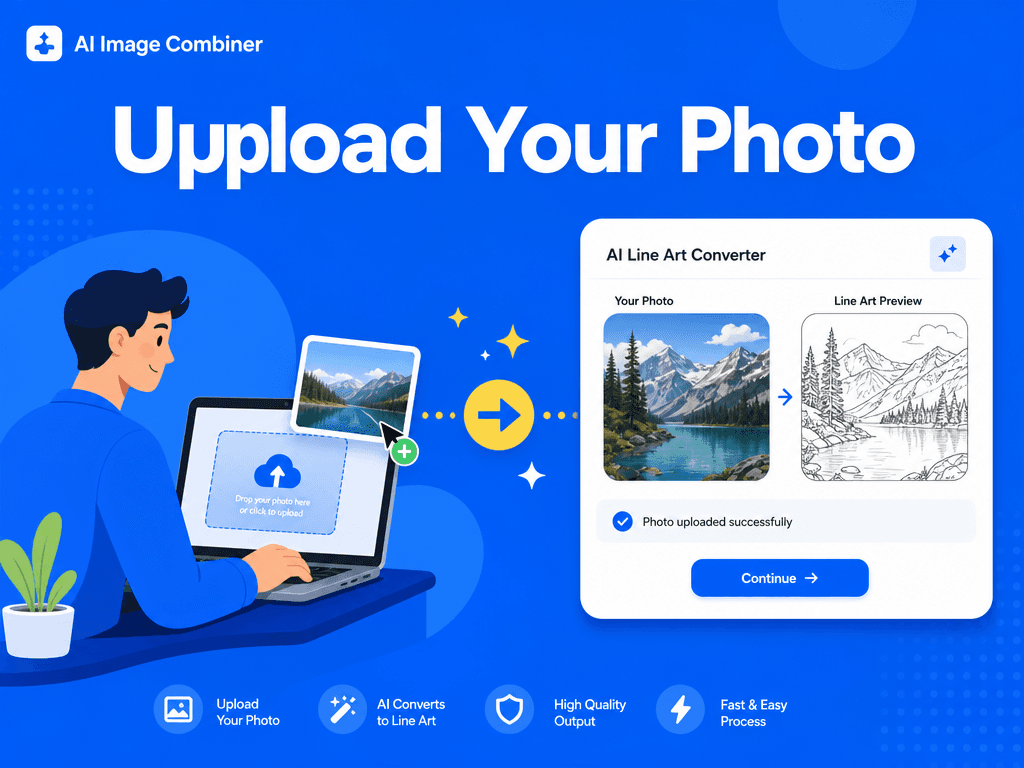
AI outline extraction
Why Use an AI Line Art Generator
Manual tracing takes time, especially when the source image has complex shapes, hair, clothing folds, product details, or background elements. An AI line art generator speeds up the first draft by identifying strong visual structure and removing color distractions. Instead of starting from a blank canvas, designers and creators can convert image to line art, review the outline, and refine the final artwork in their preferred editor. It is a practical workflow for turning photos into line drawings, creating coloring page bases, simplifying product images, or building clean black-and-white references for print and digital projects.
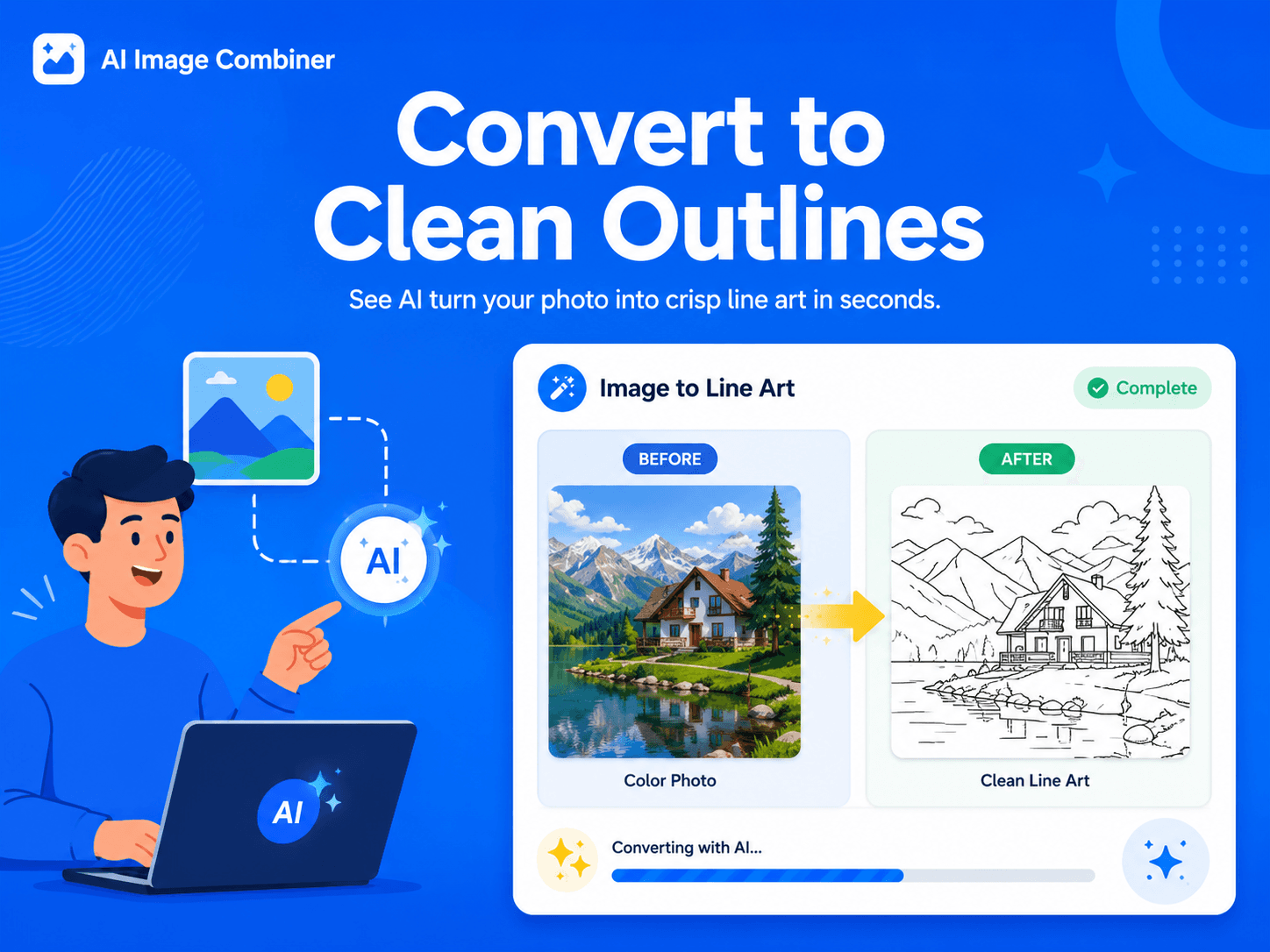
Ready for design workflows
Use Cases for Photo to Line Drawing
Image to Line Art is helpful for creators who need clean outlines without spending hours tracing by hand. Teachers can create coloring pages and classroom worksheets from simple images. Designers can turn product photos into outline references for packaging, icons, and instruction graphics. Artists can use photo to line drawing output as a base sketch before adding their own style. Small shops can prepare sticker concepts, craft templates, or engraving references. Content teams can simplify complex images into black-and-white visuals that are easier to reuse in documentation, social posts, and tutorials.
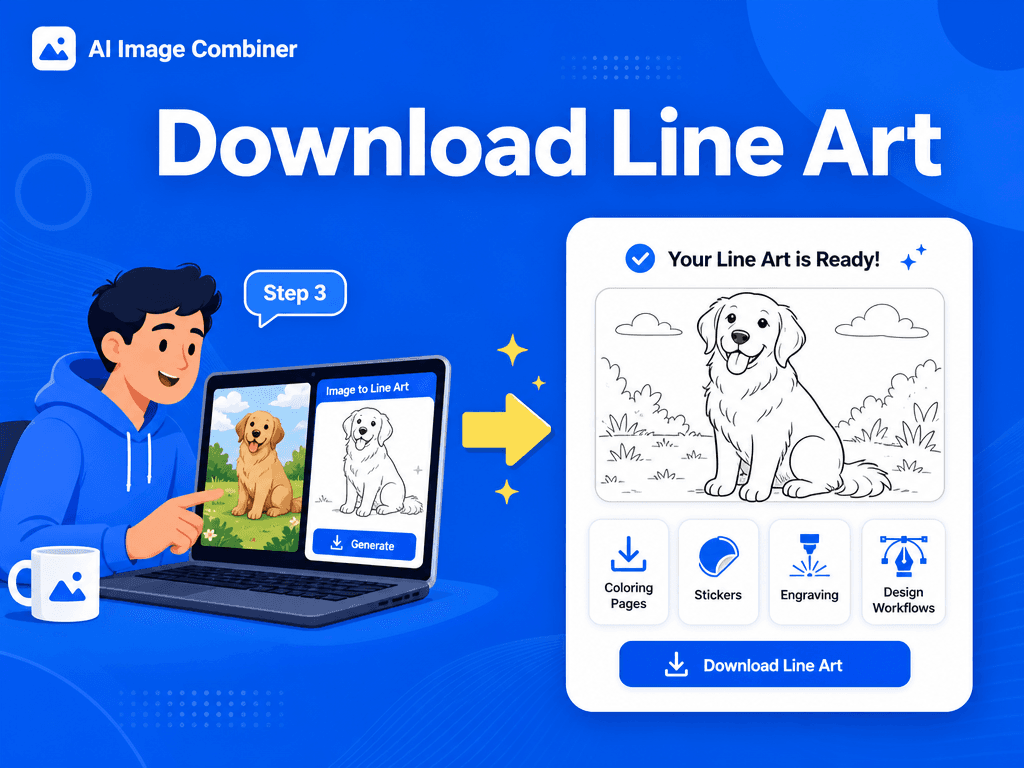
Simple workflow
How to Convert Image to Line Art
Convert image to line art in a focused workflow designed for clean outlines, coloring pages, stickers, craft files, and design references.
Upload one clear source image. Photos with visible edges, simple lighting, and strong subject separation usually produce the best line art.
Let the AI line art generator detect key outlines, facial features, product edges, object shapes, and composition details.
Preview the black-and-white line drawing and check whether the subject, framing, and important details are preserved.
Download the line art result and use it for coloring pages, stickers, icons, design references, craft templates, or further editing.
Image to Line Art Features
Clean black-and-white outlines:
Convert photos into crisp line drawings with clear contours and reduced visual noise.
Preserved composition:
Keep the original framing, subject placement, silhouette, and important structural details.
Design-ready exports:
Generate line art outputs that are easy to download, review, and continue editing in your workflow.
Flexible creative use:
Use the result for coloring pages, stickers, engraving concepts, icons, worksheets, storyboards, and visual references.
Quality Tips for Photo to Line Art
Use well-lit inputs with distinct subject-background separation for cleaner contours.
Choose higher-resolution images when you need fine details such as hair, product edges, or fabric folds.
Crop busy backgrounds before upload if you want the AI to focus on the main subject.
Avoid heavily compressed, blurry, or low-contrast images when you need sharp line drawing results.
FAQ
Image to Line Art FAQ
Best Practices
- Use higher-resolution inputs for fine detail retention.
- Ensure good contrast in the source photo for reliable edge detection.
- Experiment with tighter crops if lines appear too sparse, too dense, or distracted by the background.
- Use the AI output as a strong first draft, then refine line weight, cleanup, or vector tracing in your design software when needed.
What is Image to Line Art?
Image to Line Art is an AI tool that converts photos and images into black-and-white outline drawings. It focuses on contours, shapes, and structural details instead of color or shading.
Can I turn a photo into a line drawing?
Yes. Upload a photo and the AI will generate a line drawing-style result that keeps the main subject and composition while simplifying color and texture.
Can I use the result as a coloring page?
Yes. Clear portraits, animals, objects, and simple scenes can work well as coloring page bases. Review the output and simplify it further if you need larger blank areas.
What images work best for line art conversion?
Images with good lighting, clear subjects, strong edges, and limited background clutter usually create the best line art. Very dark, blurry, or noisy photos may produce weaker outlines.